
Download IM-Magic Partition Resizer – Partition Management, Disk Utility, Storage Optimization
Overview
IM-Magic Partition Resizer is a specialized mobile tool designed for users seeking efficient, secure, and intuitive control over their storage partitions. The application targets individuals managing disk space across multiple drives, particularly those who need to adjust partition sizes, reorganize storage, or maintain system performance. It serves as a utility for both casual users and technical individuals who require reliable disk management without the complexity of advanced command-line tools. The app supports a range of file systems, including FAT, NTFS, and Ext formats, enabling compatibility with both Windows and Linux environments. This versatility makes it a valuable asset for users working across different operating systems or maintaining hybrid storage setups.
Real-world use cases include resizing partitions to allocate more space to a growing system drive, merging adjacent partitions to consolidate storage, or cleaning up unused or fragmented areas. The app is especially useful in scenarios where users encounter low disk space warnings or seek to optimize their storage layout for better performance. While the developer did not provide additional technical details about the company’s background, the application’s focus on data safety during operations highlights its reliability. In the broader mobile app ecosystem, tools like IM-Magic Partition Resizer fill a niche by offering advanced disk management capabilities on mobile platforms—typically not available through standard system utilities.
Key Features & Functionality
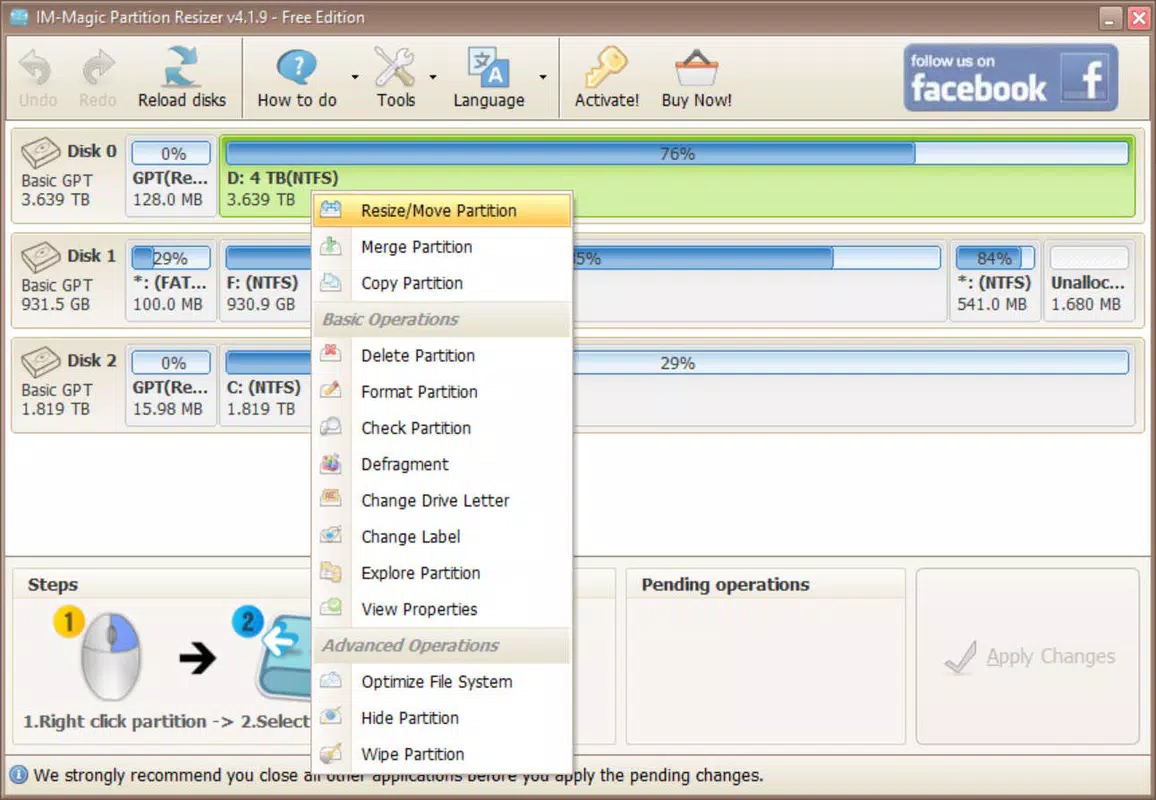
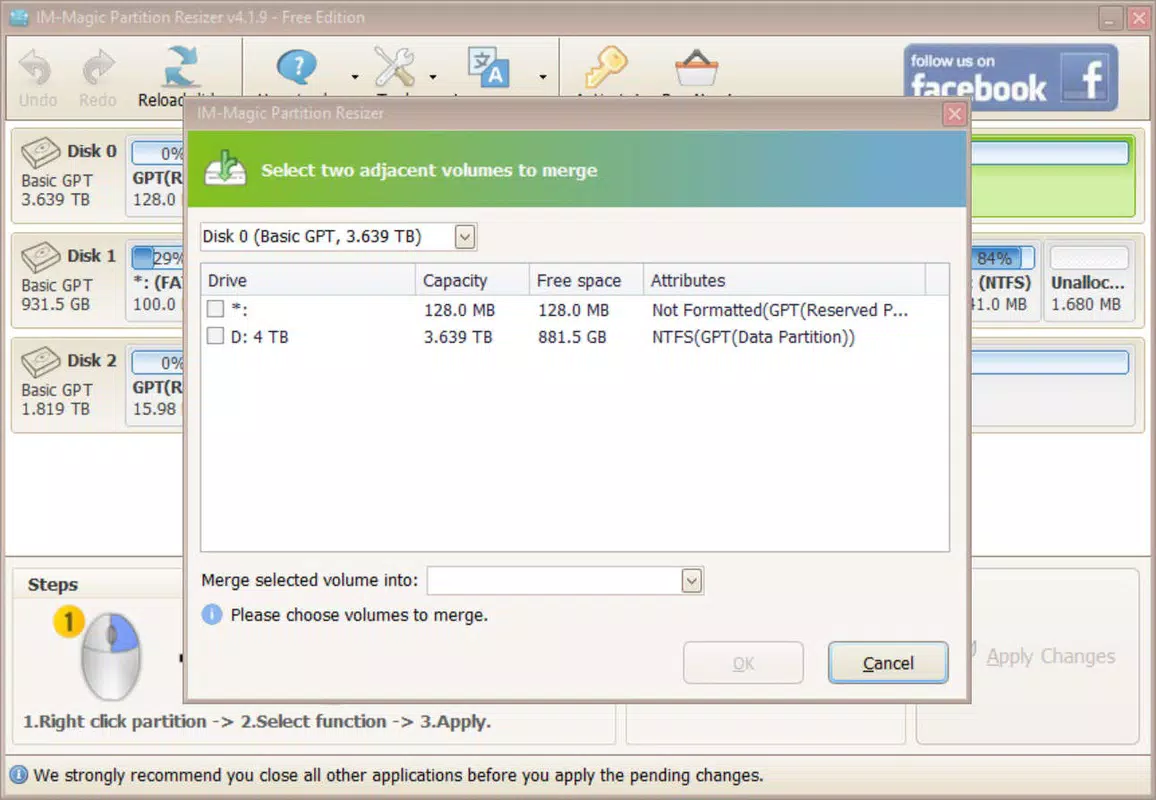
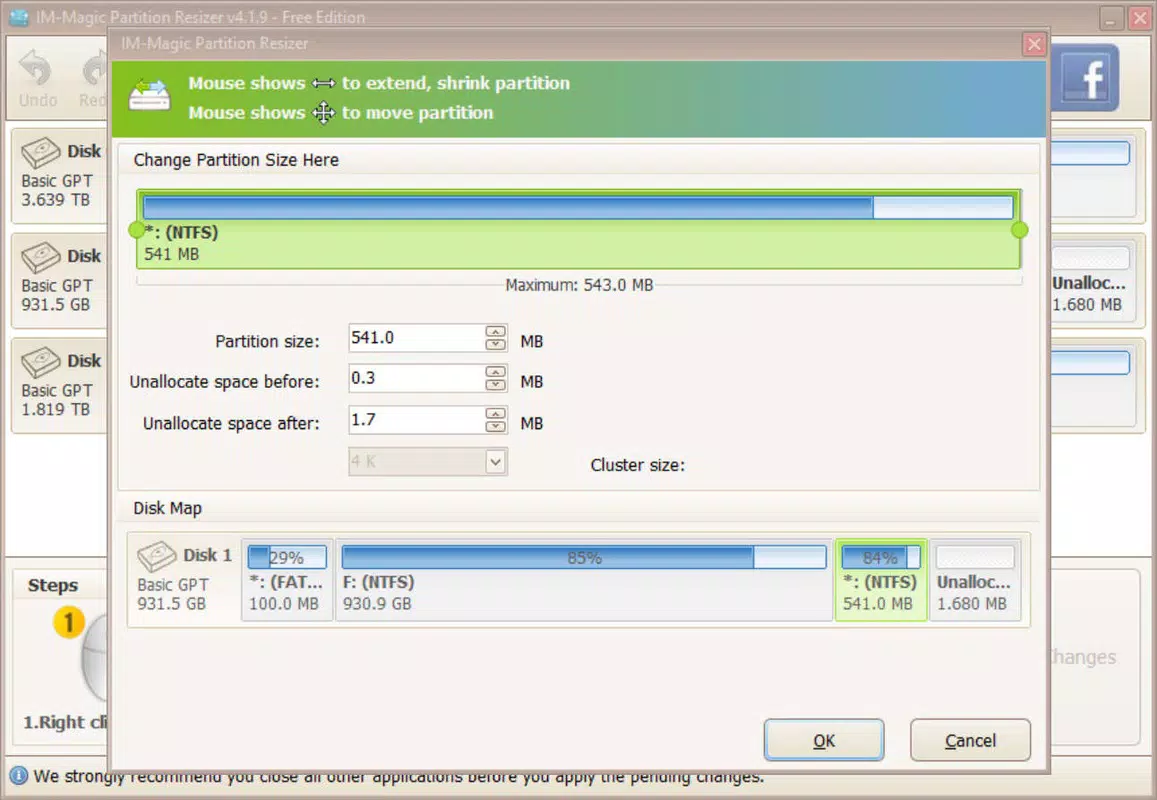
- Comprehensive Resizing Tools: Users can expand, compress, move, and merge partitions with precision. This functionality enables dynamic reallocation of disk space without risking data loss, making it ideal for users upgrading storage needs or reorganizing drive layouts.
- Multiple File System Support: The app supports FAT, NTFS, and Ext file systems, ensuring compatibility with both Windows and Linux-based storage drives. This allows users to manage diverse disk configurations from a single interface.
- Additional Partition Actions: Beyond resizing, users can delete, format, defragment, and analyze partition properties. These features provide full control over disk maintenance and optimization, reducing clutter and improving access speed.
- RAID Compatibility: The application detects and manages RAID configurations, offering a layer of protection for users relying on multiple drives in redundant arrays. This ensures stable performance and data integrity in complex storage environments.
- User-Friendly Interface: Designed with accessibility in mind, the interface is lightweight and intuitive. Even users without technical expertise can navigate the app to perform complex partition operations with confidence.
For example, a user with a 500GB SSD might use the app to shrink a 200GB data partition and expand the system drive to improve boot speed. Another scenario involves a developer managing dual-boot systems who uses the app to safely resize Ext and NTFS partitions without reinstalling the OS. These practical applications demonstrate how the app delivers real value in everyday storage management tasks.
Interface, UX & Performance
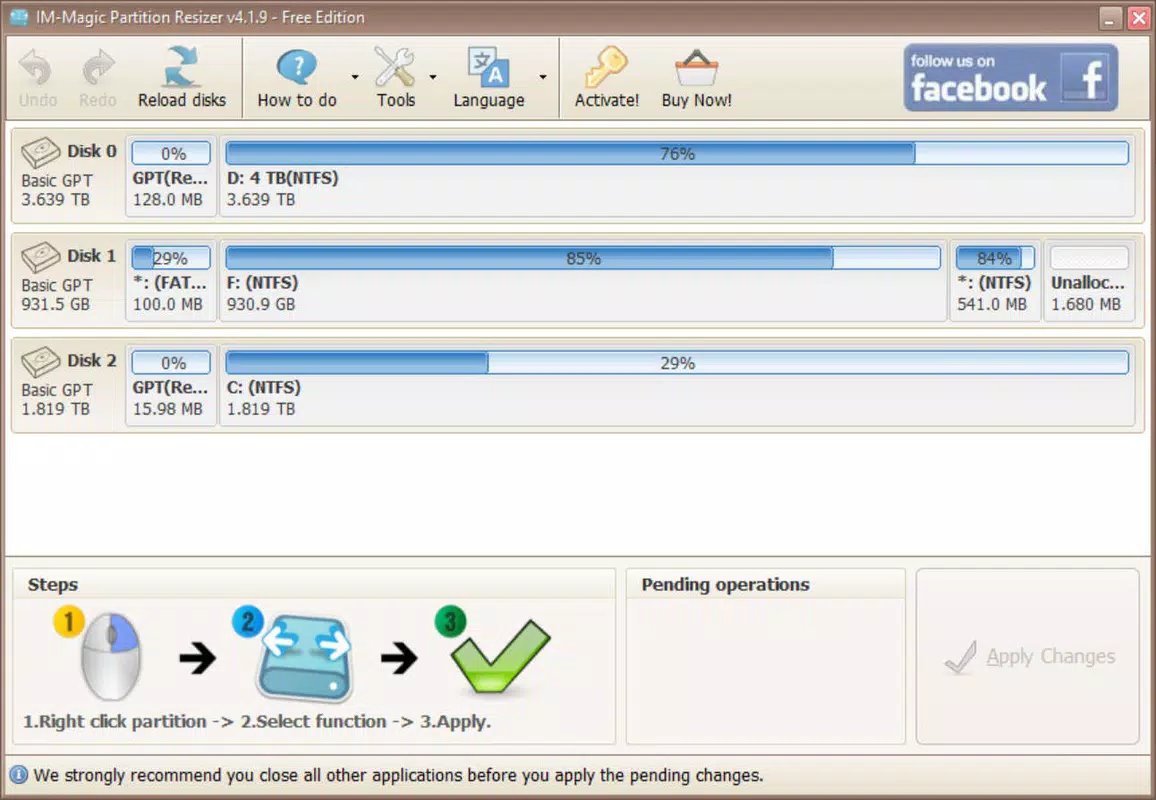
The interface of IM-Magic Partition Resizer is designed with clarity and functionality in mind. The layout presents essential tools in a logical, step-by-step manner, minimizing user confusion during complex operations. Navigation is straightforward, with clearly labeled buttons and visual indicators for partition status, size, and file system type. The visual style is minimalistic, avoiding unnecessary distractions while emphasizing usability.
Users can expect smooth interaction across different device categories, though specific performance metrics were not disclosed by the developer. The app appears optimized for responsiveness, with actions like partition preview and real-time size adjustments executed with minimal delay. Stability is a key focus, as partition manipulation carries inherent risks; the app’s design prioritizes safe execution through confirmation prompts and progress tracking.
Although the developer did not list formal performance metrics or device-specific benchmarks, the lightweight nature of the interface suggests efficient resource usage. Users should experience consistent performance across mid-range and high-end devices. The app maintains stability during extended operations, such as large partition resizing or RAID management, indicating robust backend handling. Overall, the UX design effectively balances power and simplicity, making it accessible to users of varying technical levels.
Platform Compatibility & Technical Requirements
IM-Magic Partition Resizer is available for Android and iOS platforms, though specific OS versions were not listed. The app’s file size is 45.6 MB, indicating a lightweight installation that should not significantly impact device storage. This size is consistent with a utility application focused on core functionality rather than multimedia or resource-heavy features.
Compatibility information was not fully disclosed. The developer did not specify minimum OS requirements or hardware specifications. Users are advised to ensure their device meets standard system requirements for running mobile applications. For optimal performance, devices with at least 2GB of RAM and sufficient free storage space are recommended, though these details were not confirmed by the developer.
Pros and Cons
Pros
- Supports multiple file systems including FAT, NTFS, and Ext formats.
- Offers a wide range of partition management tools in one interface.
- User-friendly design suitable for both beginners and advanced users.
- RAID configuration detection and management for advanced users.
- Designed with data safety in mind during partition operations.
Cons
- Specific OS and hardware requirements were not listed by the developer.
- Performance benchmarks or device compatibility details were not disclosed.
- No information on update frequency or long-term support.
- App size may be larger than typical utility apps, though it remains under 50 MB.
- Limited visibility into technical background of the developer.
FAQ
Is IM-Magic Partition Resizer safe to use?
The app is designed with data safety as a priority, using secure methods to prevent data loss during partition resizing and management. However, users should always back up critical data before performing any disk operations.
Can I use this app on both Android and iOS?
Yes, the app is available for both Android and iOS platforms, though specific OS compatibility details were not provided by the developer.
Does IM-Magic Partition Resizer require root or jailbreak access?
The developer did not specify whether elevated permissions are required. Standard app permissions may be sufficient for basic operations.
How often is the app updated?
Information on update frequency was not disclosed. Users are advised to check the app store for the latest version.
Can I manage RAID drives with this tool?
Yes, the app supports RAID configurations, allowing users to detect and manage multiple-drive setups effectively.
Final Thoughts + CTA
IM-Magic Partition Resizer stands out as a powerful yet accessible tool for managing storage partitions on mobile devices. Its comprehensive suite of features—ranging from resizing and formatting to RAID support—makes it a versatile utility for users across different technical levels. The app’s emphasis on data safety and intuitive interface reduces the risks associated with disk management, empowering users to take control of their storage without fear of errors.
While some technical details remain undisclosed, the app delivers clear value in real-world scenarios such as optimizing disk space, preparing systems for upgrades, or maintaining dual-boot environments. Its support for multiple file systems and advanced features like defragmentation and partition analysis further enhance its utility.
For anyone seeking a reliable, all-in-one partition management solution on mobile, IM-Magic Partition Resizer offers a compelling combination of functionality and ease of use. Download IM-Magic Partition Resizer now


